
Every support request is an opportunity: fix a problem fast, and you win trust. But as your customer base grows, tracking issues in email or spreadsheets becomes a minefield.
To make the support process more effective and practical, it is better to use a help desk platform.
Support teams that want email-first ticketing without a heavy interface, especially when cloud versus self-hosted deployment matters.
Conversation-driven shared inbox, entrance into wider Freshworks channels, complicated enterprise service workflows, or tight integration.
Let’s look at the five best help desk software options
Start With The Way Your Team Already Works
One mistake people often make is picking help desk ticketing software based on the number of channels and integrations before figuring out how the support team wants to work.
Start with three questions:
- Origination: Where do requests originate from? Email-heavy teams have distinct needs from teams fielding phone, social, chat & messaging requests at comparable volumes.
- Where does the platform run? A hosted service lowers infrastructure efforts. Self-hosting may be suitable if an organization wants tighter control of their environment.
- How much administration is acceptable? The more routing, customization, and reporting depth you want can also translate into more initial and ongoing design.
That framework makes the differences between these five options easier to see.
1. Jitbit Helpdesk: Best Overall For Email-First Ticketing
Jitbit is built around one simple goal: transform support email into trackable tickets without needing agents to follow a forced, complex workflow.
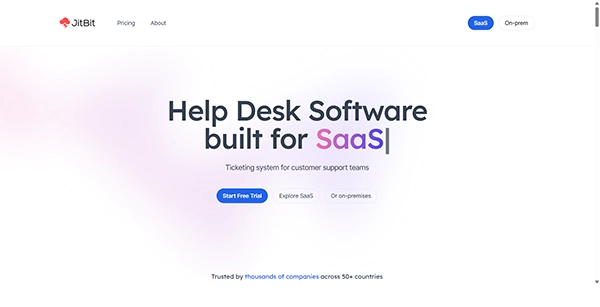
Incoming messages can be automatically turned into tickets. Requests can also be accepted via a web portal, live chat widget, API, and different supported integrations. Agents have assignment tools, automation rules, SLA tracking, a knowledge base, reporting, and AI to help with drafting replies, summarizing threads, and triage.
If your team is looking for help desk software that places email at the heart of support, here’s how the workflow works: customers get to use their existing channels. Agents get ownership, history, prioritization, and reporting behind the scenes.
The primary distinction here is deployment options. Jitbit has a managed SaaS offering and a self-hosted edition. Team sizes drive pricing tiers for hosted plans, while perpetual licenses are used for self-hosted editions. AI is open with both options, but the exact self-hosted environment differs when it comes to certain higher-end AI features.
That duo can also apply to both internal IT as well as external customer support. Teams can funnel both employee and customer requests through the same ticketing system while not making email the actual system of record.
Customer reviews from non-affiliated sites back up the ease-of-use claim too. Many of the newest G2 reviews highlight ease-of-use, simplicity, quick setup, and helpful automation. Ease of use is a standard theme amongst positive reviews on Capterra as well.
Best suited to: teams looking for easy, actionable email-first ticketing, automation, reporting, and AI assistance with either hosted or self-hosted deployment options.
2. Help Scout: Best For A Shared-Inbox Experience
Help Scout operates well for customer-facing teams who want their support discussions to feel more like email than an IT ticket queue.
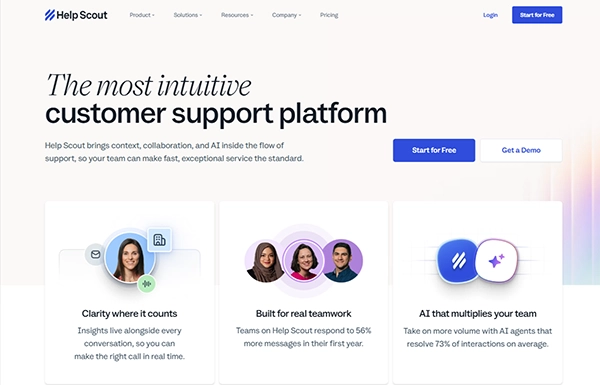
Its Inbox features include placing customer conversations into a shared workspace, where agents can utilize workflows, saved replies, reporting, knowledge-base tools, and routing. Beacon can offer live chat and self-service options. Artificial intelligence tools are available to draft, summarize, edit, and translate replies for agents. Help Scout sells AI Answers separately under a usage-based pricing model.
What does that look like in practice?
A SaaS support team handling several shared addresses can sort threads by inbox, workflow routing, and store context next to the thread instead of treating each message like an IT ticket.
Ideal for: customer support teams who value a refined shared inbox experience and conversation-led support.
3. Freshdesk: Best For A Freshworks Growth Path
Freshdesk is the email-first help desk in Freshworks’ current support lineup.
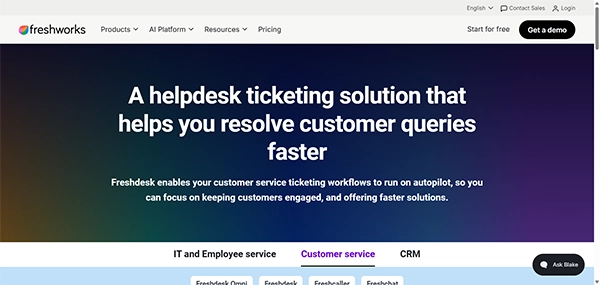
The standalone Freshdesk product has ticketing software, shared inbox, customer portal and knowledge-base tools, automation options and reporting, and AI capabilities. Freshdesk Omni is its own Freshworks product developed for teams that require a wider array of real-time and digital channels.
That difference matters.
Your expanding support team can start with Freshdesk as your email-lead ticket management solution and consider Freshdesk Omni down the road if chat, messaging, social channels, and more advanced omnichannel routing become your main focus. Phrases like “ease of use”, “automation,” and “manage tickets effectively” pop up over and over in recent G2 reviews.
Best suited to: teams looking for structured email support and a clear upgrade path into Freshworks other customer-service products.
4. Zendesk: Best For Complex Enterprise Service Operations
Zendesk is best suited to companies that need a more full-featured service platform vs. a lightweight ticket queue.
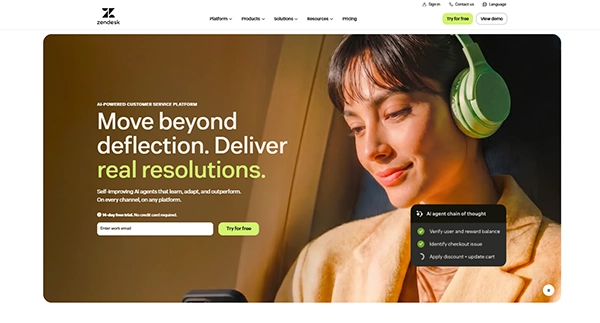
It consolidates email, messaging, voice, social channels, routing, automation, integrations, analytics, knowledge tools, and AI into a single service environment. This level of depth is advantageous when multiple support teams, queues, types of customers, and escalation paths all need to exist within one system.
The trade-off is configuration depth. Zendesk has many current G2 reviews talking about customization and analytics, and some reviewers mention complexity in that it can take time to configure refined workflows and automations.
It may be best suited for a huge support organization. But for a smaller email-based team, it can feel like overkill.
Best for: Larger or complex service operations that demand deep routing, customization, analytics, and multichannel coverage.
5. Zoho Desk: Best For Teams Already Using Zoho
Zoho Desk really shines when your help desk efforts are housed within a larger Zoho software ecosystem.
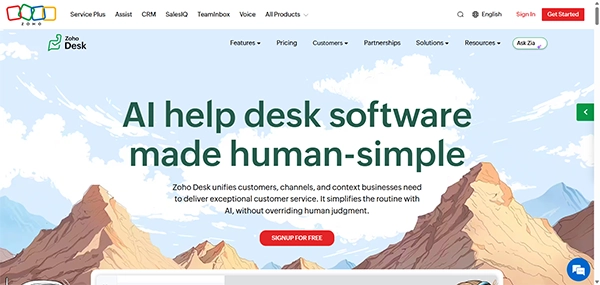
Components include email ticketing, help-center tools, web forms, assignment, workflow automation, reporting, and plan-dependent customer channels. Zia AI capabilities are available across multiple paid editions, but exact features differ by plan and data-center location. Advanced functionality like live chat, skill-based assignment, IVR, multi-brand help centers, and sandbox tools are contained in higher tiers.
The functional advantage is ecosystem fit.
If you are a business that already runs Zoho CRM or another Zoho product, adopting Zoho Desk lets you keep customer and support operations in closer proximity vs. taking on a totally separate vendor stack. Those not already invested in that tool chain can definitely use Zoho Desk, but the integration story won’t be quite as unique.
Best suited to: organizations already using Zoho looking to have ticketing, automation, and customer service tools integrated into the same ecosystem.
Quick Comparison
| Platform | Best for | Support model | Deployment | Pricing model |
| Jitbit Helpdesk | Email-first ticketing | Tickets, portal, live chat | Cloud or install it yourself | Team-based SaaS tiers or perpetual self-hosted licenses |
| Help Scout | Shared inbox customer service | Inbox, chat, knowledge base | Hosted | User- based plans with usage-based AI option |
| Freshdesk | Freshworks growth path | Email-first ticketing system; Omni sold separately | Hosted | Billing is per agent; separate plans for Omni |
| Zendesk | Enterprise-focused service | Omnichannel suite of services | Hosted | Agent-based suite plans with optional AI products |
| Zoho Desk | Users of Zoho ecosystem | Channels depending on ticketing plus plan | Hosted | Available on per-agent tiers with a limited free edition |
Final Verdict
These platforms overlap, but they are not interchangeable.
Help Scout leans more toward customer discussions. Freshdesk offers email-centric teams a path into the broader Freshworks ecosystem. Zendesk was made for service teams that require advanced configuration. Zoho Desk complements your other Zoho products naturally.
Jitbit takes a more focused route.
For teams who still start their support with email, it layers on the responsibility of ticketing without making the workflow unnecessarily cumbersome. With automation, AI assistance, reporting, a shared queue, and the options of SaaS or self-hosted deployment, it hits a nice balance of being practical for IT and customer support alike.
If your email-first team desires simplicity for ticket management, but also wants the option to automate processes, then Jitbit is the ideal place to begin with in this guide.
Frequently Asked Questions
1. What is help desk software used for?
Ans: Companies, organizations, and individuals use help desk software to set up either an internal IT help desk (usually called an IT service desk) or a support portal for their customers or users (aka a customer support portal).
2. What are the features available in the Help Desk tool?
Ans: Ticket Management, Knowledge Base, Self-Service Portal, Automation, Reporting & Analytics, Multi-Channel Support, AI and intelligent support capabilities, Integrations and platform extensibility, etc.
3. Is Help Desk Software available for free?
Ans: No. Most help desk tool solutions are commercial products and require a paid subscription or license fee. Some providers may offer limited free versions of their software, but these may be limited in functionality.