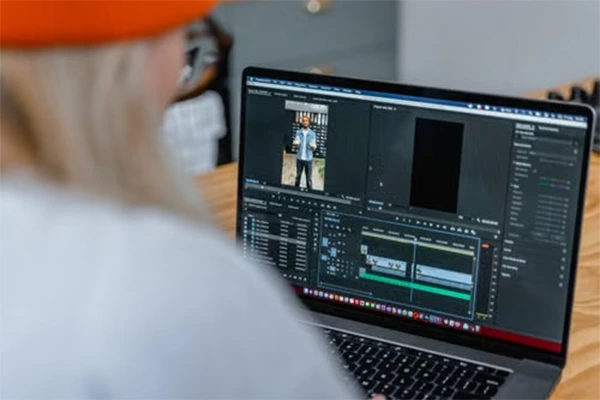
Sometimes a person can visualize a short story, a scene from a product, a tweet, or a convenient how-to. But it can take a lot of time to come up with a full video from that idea. It might need planning, recording, editing, mixing, captions, and processing for visuals.
There comes AI video editors in picture. They can significantly reduce the time a user takes to take an idea from concept to completion with a completed video, allowing for more automation. ChatGPT also offers help on the creative front, scriptwriting, ideas, captions, and scene suggestions. But in reality, they really can’t take the place of a human creator.
AI is Revolutionizing the Video Creation Process.
In the traditional video editing process, there were lots of individual tasks. Many of these tasks can be done in a single AI workflow. Some editors have the power to make scenes from text prompts. An AI video editor with ChatGPT can help turn simple, easy ideas into engaging videos. Other people can edit unnecessary parts of the video, create a caption, enhance the audio, or make changes to what is shown. This will help beginners to edit.
ChatGPT can influence the creative idea.
A video that is good and solid always has a clear concept. Before creators open an editing tool, ChatGPT can help them develop that concept. For example, a user can define a subject and request some video ideas. It can also be used to create a simple script. A creator may ask for a brief introduction, summary, and closing statement. Then the script can be changed to suit the target audience.
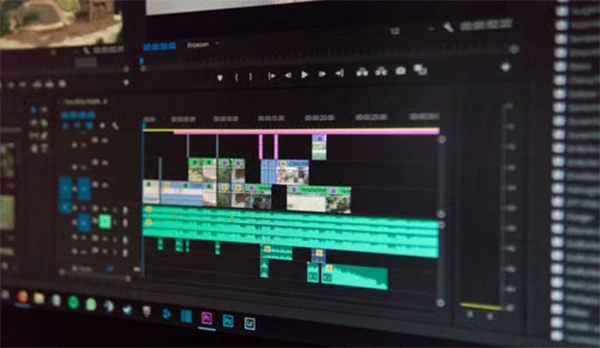
Creating Videos from Simple Text Prompts
Text-to-video technology has made video creation easy and flexible. A user can describe a scene rather than recording everything with a camera. A business owner may need a simple product introduction. Clear descriptions often give the system more useful direction. Details about the subject, setting, movement, mood, and video style can help create a more suitable result.
AI Video Editors Can Save Time
AI features can reduce some of these tasks. Automatic captions are one example. Rather than typing every spoken sentence, an AI editor can identify speech and create subtitles. Some tools can also detect pauses or unwanted sections. They can spend more time planning useful content rather than repeating basic editing tasks.
Building Better Scripts with AI Assistance
A video needs more than attractive visuals. It also requires a clear message. A confusing script can make even a well-edited video hard to follow. The creator can choose the version that feels most natural. The human review stays important. Facts should be checked before they are added to a published video.
Making Short-Form Content More Efficient
Short videos are popular across many social platforms. They usually need to deliver the main idea within less amount of time. This creates a challenge for creators. AI can help shorten big ideas into focused scripts. It can also help with captions, scene changes, and visual pacing. A longer video can sometimes be turned into many short clips.
Using AI Without Losing a Human Touch
Viewers may notice when a video lacks a clear personality or actual purpose. Creators can prevent this by adding their own ideas, examples, opinions, or experiences where suitable. They can also adjust AI-generated scripts to match their normal speaking style. Visual choices matter as well. A person making educational videos may care about correct captions and clear voice editing.
Benefits of Combining ChatGPT with AI Video Editing
- Faster idea development
- Simpler script writing
- Better workflow
- Less repetitive work
- More content options
- Useful for beginners
Conclusion
Tools are already helping with writing, visuals, voice, captions, editing, and content adaptation. The most important change may be the connection between these different stages. Check facts and names carefully and watch the finished video on both desktop and mobile when possible. Check all AI-generated scenes before publishing.
FAQs
1. Which AI is best for video editing?
Ans: The best AI for video editing is Adobe Premiere Pro and DaVinci Resolve.
2. Is AI replacing video editors?
Ans: AI is not replacing video editors, but they are definitely automating repetitive tasks in seconds.
Ans: There are many free AI video editors such as Capcut, DaVinci Resolve, and Microsoft Climpchamp.
3. Is there a free AI video editor available?