
A quote form captures only an email address, but a good quote calculator provides users with a price that they can agree on or useful estimates when the user’s intent to buy is really high.
The prices that the calculators show are based on the services by job size, options, quantities, location, packages, or other things that matter according to the service. The final calculated amount that displays shows you the true business value that is realised.
Many effective and useful tools rely on pricing logic, market forces, lead capture, and follow-up instead of a single calculator.
This article focuses on the 4 best price quote calculators that do not need a custom development effort. Every single of them serves a slightly different purpose for different complexity and sales processes of calculations.
What Matters When Choosing Price Quote Calculator Software
Start with the pricing rule; do not rely on the template gallery.
A cleaning company might just need service type, property size, and add-ons. A solar installer or manufacturer may require lookup tables, conditional pricing, multiple variables, and a different result that changes as the visitor changes inputs.
Four questions that make a difference between a basic widget and a useful sales tool are:
- Will it match the actual pricing logic? Review formulas, conditions, lookups, quantities, and data tables.
- Where does the lead go? Ideally, your calculator should collect contact information and forward that information to a location your sales team can get and follow up on.
- Publishing? Curating a simple website; responsive design,gn and branding controls should be expected.
- Can the quote command the next step? Follow-up emails, CRM sync, payment, and automation come into action when quotes are part of a larger sales cycle.
The last point is often missed. If your calculator separates a number but you still have to manually enter the lead into another system, you still have finished part of the quoting bottleneck.
Quick Comparison
Here is a quick comparison of all four AI platforms that will help you to make your decision better:
| Tool | Best for | Calculation approach | Follow-up strength |
| involve.me | Quote- to follow- up workflows | Excel- like formulas with conditional logic, AI formula creation | Built- in CRM with email sequences |
| ConvertCalculator | Complex pricing logic. | Excel-style functions, pricing tables, branching/scenarios, dynamic pricing/updating. | CRM integrations. Payment system integrations. Zapier connections. |
| Outgrow | Marketing-lead interactive calculators | Formulas, nested conditions, logic jumps | Lead data, integrations, campaign analytics |
| CALCONIC | Low-cost website calculators | Formula editor, conditional fields, lookup values from CSV | Email results, Google Sheets integration, Zapier |
1. involve.me: Best Overall For Quote-To-Follow-Up Workflows

What is useful about the involve.me quote calculator is that the calculator embeds within your lead funnel, instead of stopping once price is publicly available.
Its AI Agent can create a pricing calculator from plain-English conversation. As stated in their current product documentation, it can create the formula underpinnings and place the needed user prompts, after which point the calculator can turn in the drag-and-drop editor.
That gives a service business a quicker route from “here’s how pricing works” to a usable first version.
AI is not exclusive of controls under it. involve.me enables Excel-style formulas, if-then-else conditionals, and crafting formulas from a prompt. A roofing business might take inputs like property size, choice of materials, service upgrades, and other customer decisions before providing a custom estimate.
The bigger advantage is what happens after the quote.
Each submitted funnel records a contact with answers and results included. The CRM built into the platform can segment those contacts, and email patterns can branch based on answers, outcomes, opens, and clicks. Emails with some personalization can also be sent from the same platform.
That makes a practical workflow:
- Ask the questions required to price the job.
- Calculate and display the result.
- Keep the submission as a contact.
- Email the output or quote.
- Follow up using the information and engagement collected.
Basic integrations with Google Sheets, HubSpot, Pipedrive, Salesforce, Stripe, PayPal, and Square can be found (depending on plan). The platform is SOC 2 Type II audited. Involve.me shows their contact as GDPR compliant.
Best suited to: service businesses and sales teams that need the calculator to qualify, capture, and nurture the lead, not just spit out a number.
2. ConvertCalculator: Best For Complex Pricing Logic
ConvertCalculator is a strong fit when the calculation itself is the tough part.
The builder is packed with Excel formulas, tables, show-and-hide logic, multi-page forms, dynamic pricing that updates in real time, and other useful tools. Builder also accepts payment and works with other business tools either built-in or via Zapier.
That flexibility can be simple when working with companies whose pricing operates more like a spreadsheet than a menu board. A manufacturer making custom products could set up a table for product data, followed by conditional questions from configuration selections, then formulas to find out if a live price before the prospect even submits the form.
Their current pricing tier also tells the difference between easy calculators and heavy business logic. Quote forms and lead gen are better than simple calculators. Heavy business logic can be seen above that.
The cost is setup depth. If you’re picking ConvertCalculator just for normal work like tables, branching, and advanced formulas, you’ll be doing more hard work than a basic three-question estimator.
Ideal for: companies that need spreadsheet-like calculations, product configuration or pricing rules, and want to keep deep control of the build.
3. Outgrow: Best For Marketing-Led Interactive Calculators
Outgrow displays calculators as interactive marketing content.
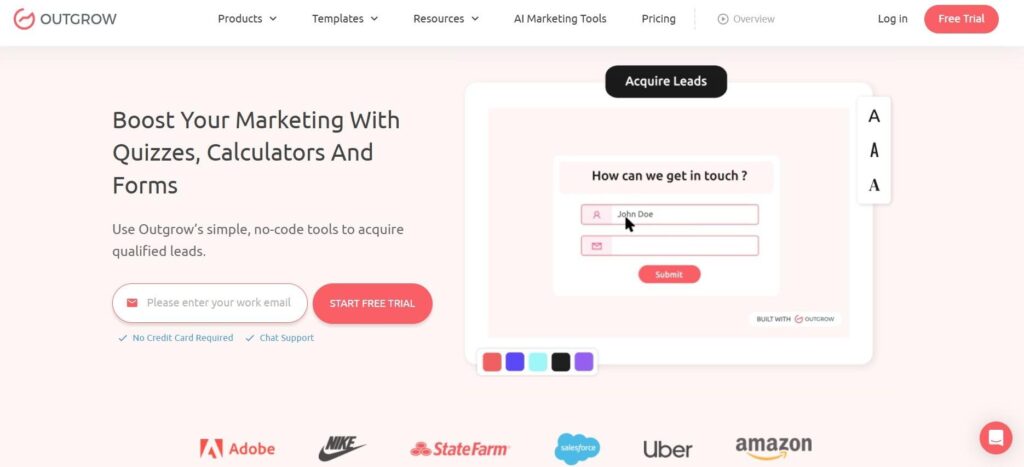
Its no-code builder lets users mix and match formulas, lead capture, logic jumps, custom result pages, analytics, templates, and embed websites. Documentation for their upcoming plans also mentions support for advanced math operators, if/else conditions, and nested if conditionals for all types of qualifying plans.
Outgrow also has a calculator generator. It takes basic information such as industry, audience,ce and tone. From there, it turns out a starter calculator that can be tweaked internally.
This allows it to shine when your calculator is just another piece of a larger marketing campaign, as opposed to a one-off quoting tool. Marketing teams can collect essential intel, connect response data to other systems, and map interaction across the experience.
Ease of use and customer support are two things that appear often in both recent G2 reviews and Capterra reviews. Some recent reviewers have found that advanced logic/customization requires more elbow grease than creating something simple.
Best for: marketing teams that view quotes or pricing calculators as just one component of a wider interactive-content and lead-gen initiative.
4. CALCONIC: Best Budget-Friendly Calculator Builder
CALCONIC Widget Builder makes the simple job even simpler: create a calculator, design it, and embed it on your website.
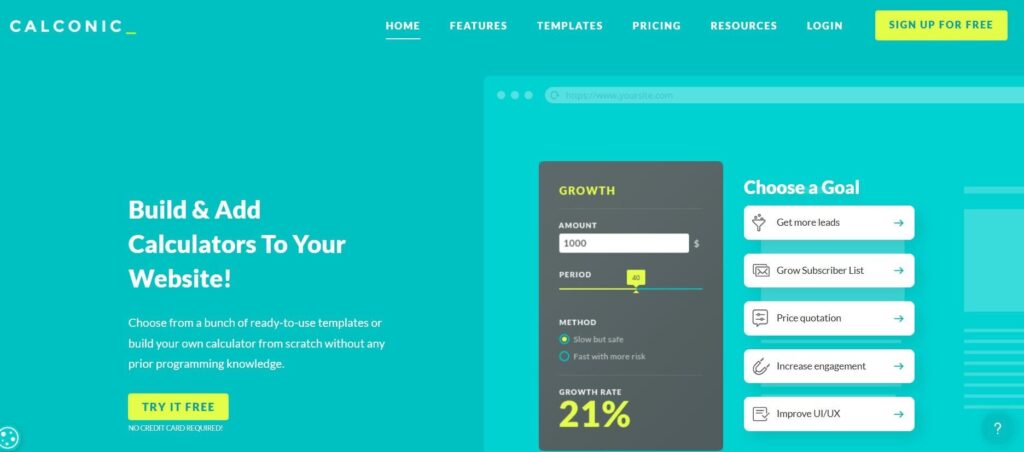
It comes with a formula editor that allows you to use math functions and logical operators. It allows conditional visibility to show or hide fields based on the given input by the users. You can also design calculators with multiple steps and include a Value Lookup element, which pulls in CSV data and serves a value based on what you choose.
CALCONIC lets emailing calculated results for follow-up. It can save submissions to Google Sheets and pipe leads via Zapier. CALCONIC also supports PayPal payments on paid subscriptions.
That makes it effective when a business wants functional calculation logic without buying an entire marketing automation suite. Plans at no cost and go to low prices for paid tiers, putting it in the best spot to save money of this bunch.
A moving company may start with the basic quote formula, then add distance pricing, optional services, lead collection, and emailed results.
Best for: Small businesses who firstly needs an embeddable calculator and want to minimize spend on software licenses.
Final Verdict
Each of the four tools fixes broken “request quote” forms, but they solve different problems.
Compare ConvertCalculator when the pricing model is very difficult and complex. Outgrow works best when your calculator has been considered as a marketing campaign tool. CALCONIC may suit buyers with fewer resources and your needs are basic website calculator needs.
Where every one of them is valuable to your business, and you want the quote to flow directly into qualification and follow-up activities, involve.me is your brilliant starting point. Their blend of AI-assisted calculator formation, calculation logic, built-in contact management, email automation, integrations, and payment options allows you to keep more of the quote journey in a single workflow.
Frequently Asked Questions
1. What should you consider when choosing a price quote calculator?
Ans: When choosing a price quote calculator, you should look for a tool that supports your pricing logic, captures leads, works well on your website, and connects with follow-up systems such as CRM or email.
2. What is involve.me best suited for?
Ans: involve.me is suited for quote-to-follow-up workflows. It can calculate prices, capture customer information, and automate follow-up emails from the same workflow.
3. How are the four calculator tools different?
Ans: The difference in these calculators is that the ConvertCalculator focuses on complex pricing logic, Outgrow focuses on interactive marketing, CALCONIC is a simple and budget-friendly calculator, and involve.me prioritizes combining quotes with lead capture and follow-up.