
HR Software for Construction Companies
Construction teams do not stay in a single office. Crews move between different sites, foremen manage their own groups, and hiring rises and falls with the project pipeline. HR still needs to know who is working, who was late to the office or site, and who has recently joined.
Managetrix is an exceptional HR software that combines employee records, teams, attendance, leave, and documents all into one system. The software is self-hosted and sold as a one-time licence, so having a bigger crew does not raise the price of your software. It covers HR records, not job costing or project accounting.
Learn how Managetrix turns attendance and leave records into clear insights.
HR Challenges Encountered by Construction Companies
How Managetrix Assists Construction Teams
Organize Groups into Sites and Foremen
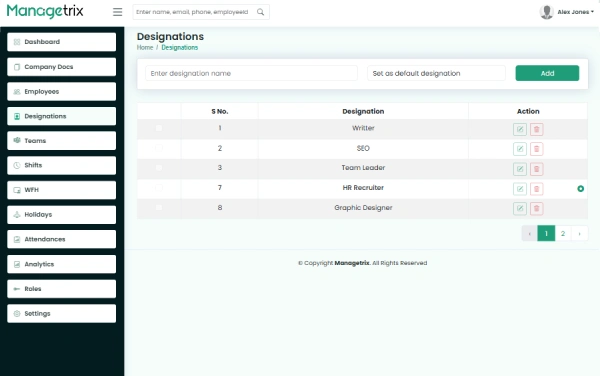
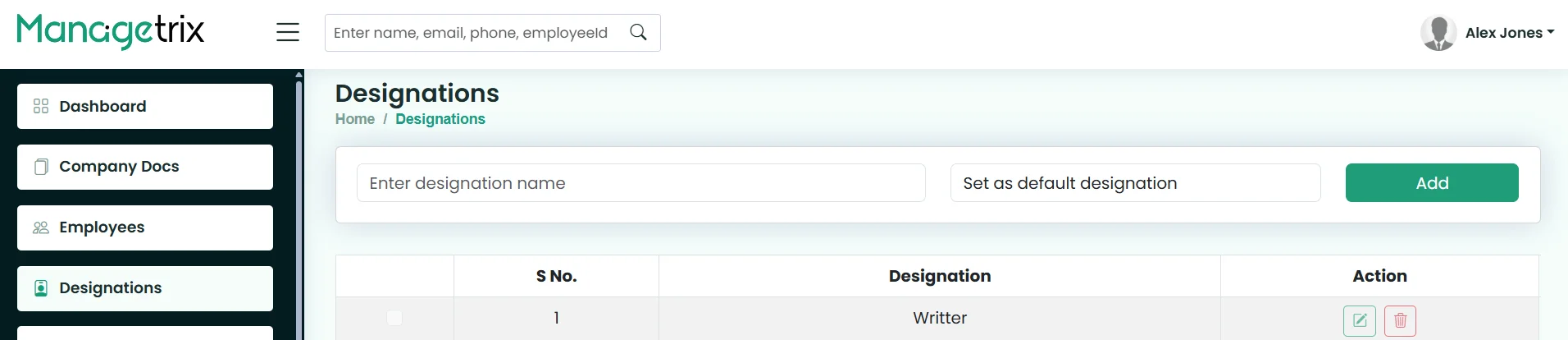
Designate each site, group, or trade as a team with a designated leader. Each worker gets assigned a designation from a controlled list so that the directory always remains synchronized when crews get rotated. Learn more about Team & Shift Management and Roles & Designation.
Shifts Planning
Arrange shifts taking into account the workload and availability, and use pre-configured shift rules to rotate shifts seamlessly. Foremen have all the scheduling information in one place.
Attendance and Overtime Tracking
Workers punch-in/punch-out, and both biometric and manual attendance methods are available. The monthly report shows workers’ punctuality and overtime workdays for each individual worker. More details at Attendance & Time Tracking.
Leave and Holiday Requests Management
Workers submit their leave requests and follow up on the progress of the request approval. The holiday calendar displays workers on holiday prior to assigning a new crew roster by foremen. More information at Leave & Holiday Management.
Quickly Onboard Project Crews
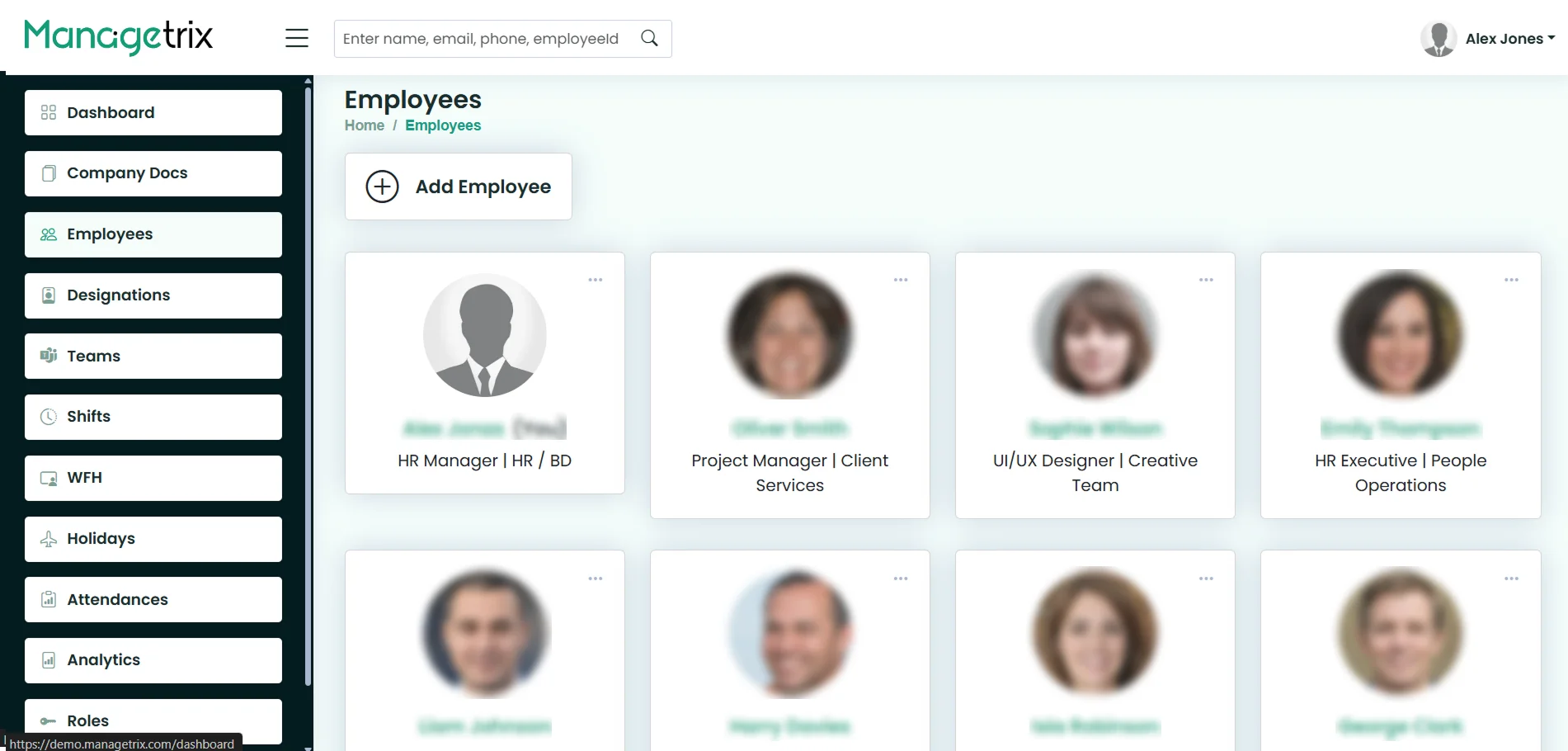
Click the ‘Add Employee’ button, assign a designation and team to the new worker, and the record becomes available. If you need to onboard a large group of employees within one project, do a bulk import from the spreadsheet.
Go Offboard Without Data Loss
After completing the project, block access to your Managetrix account but keep records accessible for future reference.
Save Your Contacts and Policies in One Space
Add the contracts and identification proofs for employees under their profile, and distribute policy files using Company Documents with permission-based access.
Who Can Access and Edit Information
Not all data needs to be seen by everyone; site managers require only certain information. The roles and permissions define what data is visible and editable, and they are independent of job roles. See User Roles & Permissions Management.
Enable Employee Self-Service Portal
Employees access their attendance details and holiday plans on their personal portal so that fewer mundane queries come up to the foreman and HR. See Employee Self-Service Portal.
Typical Week at Managetrix
Foremen review the shift planning and leave plans prior to making the crew list for the week.
Employees clock in and out; late arrivals and overtime get recorded in attendance history.
Add a new crew member with a proper designation and a team.
HR can easily review attendance, late, and overtime figures for every person rather than collecting site registers.
| Construction HR Tasks | How Managetrix Manages It | Module |
|---|---|---|
| Grouping crews by site | Specific teams with named leaders | Team & Shift Management |
| Recording site attendance | Punch in and out, with biometric and manual options | Attendance and Time Tracking |
| Tracking overtime | Monthly view of overtime and late days for every employee | Attendance, HR Analytics |
| Approving time off | Employee leave requests with status displayed on the dashboard | Leave & Holiday Management |
| Hiring for a project | Add Employee button or bulk import from a spreadsheet | Leave & Holiday Management |
| Keeping contracts and policies | Documents on profiles and one shared policy store | Employee Management. Company Documents |
| Limiting access to personal data | Roles and permissions set by admins | User Roles & Permissions |
| Processing payroll | Automated payroll processing | Automated Payroll Management |
Getting Started With Managetrix
- Try out the live demo. Test drive the dashboard, employees, and job designations module. No registration is required.
- Purchase a license. Inform the sales representative about your number of employees and necessary modules.
- Host Managetrix yourself. Install Managetrix on your server and link it with your MongoDB database.
- Add employees. Establish teams for all crews or sites and add employees to them.
Why a Single Licence Fits Construction
Construction workforces change with the project pipeline. Larger contracts require more people, while quieter quarters require fewer. Unlike other HR software that charges per-seat licences every month, Managetrix offers a single licence in three categories: Basic for $499, Standard for $999, and Premium for $1,499.
The Basic module includes Employee Management, Team Management, and Roles & Designations. Standard includes Company Document Management and Attendance & Time Tracking. Premium includes HR Analytics and User Roles & Permissions. Increasing your workforce by 20 won’t affect your cost.
Get in touch with our sales team to clarify which modules you need, along with updates and support terms before purchasing. Learn more about Pricing.
Why a Single Licence Fits Construction
Construction workforce changes depending on the project pipeline. A larger contract requires more people, while a quieter quarter requires fewer. The number of per-seat licences is charged every month in other HR software solutions. Managetrix is offered as a single licence in three categories: Basic for $499, Standard for $999, and Premium for $1,499.
Basic module includes Employee Management, Team Management, and Roles & Designations. Standard module includes Company Document Management and Attendance & Time Tracking. Premium includes HR Analytics and User Roles & Permissions. Increasing your workforce by 20 won’t affect your cost.
Get in touch with our sales team, and we’ll clarify which modules you need, as well as update and support terms before purchasing. Learn Pricing.
Your Workforce Data is Stored on Your Server
As we have mentioned, Managetrix is self-hosted, so employee records sit in your own database on your own server, rather than the vendor’s cloud. You can decide who reaches the server, how the database is backed up, and which domain and HTTPS certificate you are using.
Security depends on how you are running your server, so plan everything, including hosting, backups, and access rules, as you would for any other system that holds your employee data. Job costing and project accounting stay in your accounting tools. Explore more about the Security & Self-Hosted page.
Construction Companies That Are Perfect for Managetrix
A single system instead of site registers and spreadsheets.
Build up and downsize crews quickly and easily while retaining their history.
Assign a separate team and foreman to each crew or site with standardized job designations.
Estimators and administrative staff keep track of remote days using the same attendance sheet. See Work From Home Monitoring.
Getting Started With Managetrix
- Try out the live demo. Test drive the dashboard, employees, and job designations module. No registration is required.
- Purchase a license. Inform the sales representative about your number of employees and necessary modules.
- Host Managetrix yourself. Install Managetrix on your server and link it with your MongoDB database.
- Add employees. Establish teams for all crews or sites and add employees to them.
Run Your Working Crews’ HR From One System
Easily replace site registers and scattered spreadsheets with a single record for every worker. Access the demo, or have a chat with our team about the best plans for your company.
Frequently Asked Questions
Does Managetrix work for construction crews?
Yes, you can easily group workers into teams with specific leaders, assign shifts, and track attendance, late arrivals, and overtime in one place.
Can we handle multiple sites?
It is possible to organize multiple teams with designated leaders for each site individually. Show us your organization chart to receive the best configuration from the sales department.
Is job costing available in Managetrix?
No. Managetrix is HR software that focuses on employee records, teams, attendance, and leave. Job costing and project accounting are recorded in your accounting tools.
Does Managetrix provide for biometric attendance?
There is the option of using either biometric or manual attendance. Inquire about the possible device types from the sales department.
Is it possible to create project teams in bulk?
Yes, that is possible by importing a list of employees from Excel into your database and assigning designations and teams.
Is there extra cost for employing more workers on projects?
Not necessarily; the licence fee covers all features in a one-off payment.
Where do we keep our employee data?
Your server and database. Overall security also includes your hosting provider and backup and access policies.
Do foremen see the entire employee data?
That depends on the permission level you give them. You set the roles and permissions for users.
Can the workers see their attendance and leave details?
Yes, every worker sees their personal dashboard with attendance and leave request statuses.
Can the workers edit their details?
Yes, employees can edit the information themselves, and the admin approves or denies any changes depending on your policy.
Is there a way to try Managetrix?
Yes, it is possible through the live demo.